
Do You Need an Account for The TV App?
- Author
- Editorial Team
- Published
- Reading time
- 2 min read
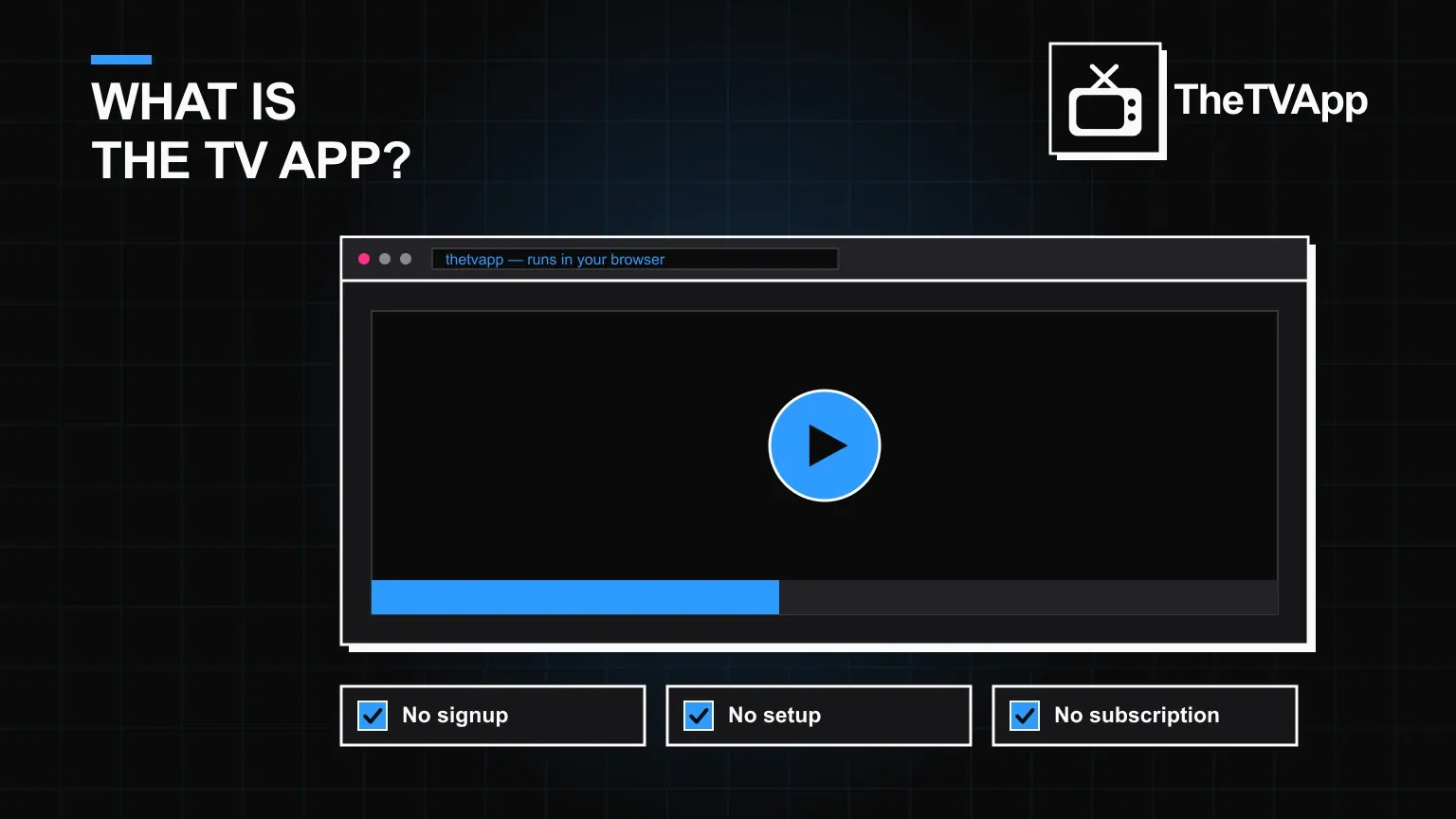
Most streaming services open on a login screen before showing you anything. The TV App does the opposite on purpose: open a browser, and the content is already there — no account, no password, no registration form standing between you and playback.
- No email, password or registration required
- No profile means nothing to secure or get hacked
- Favourites and history are session-based, not synced
- Works the same on as many devices as you like
What skipping an account actually means
- No email address or phone number required to start watching
- No password to create, forget or reset
- No profile tied to your viewing history
- No "verify your account" step before playback works
The trade-off: nothing personal carries over
Without a login, there is also nothing to sync between devices — favourites, watch history and resume points are session-based rather than tied to a persistent profile. For most people reaching for live TV or a quick sports stream, that trade is worth it; for someone who wants a curated watchlist that follows them everywhere, it is a genuine limitation.
Why some search results still mention "login"
Confusion usually comes from other, unrelated apps that share a similar name and do require an account, or from outdated guides describing an older version of a different platform. On this site, there has never been a mandatory login step.
New here? Start with the full overview →
Check what data is and isn't collected without an account →
Read the full privacy policy →
The short version
No, you do not need an account. Open a browser, pick a category, and start watching — registration was never part of the process.
Frequently Asked Questions
Do I need to create an account to use The TV App?
No. The core experience — browsing and streaming — requires no registration, login or personal details.
Is there a login page at all?
Not for standard use. There is no mandatory login screen blocking access to the content.
Why would I want an account if it's optional?
Some platforms offer an optional profile for saving favourites or resuming where you left off. On The TV App, streaming works fully without one.
Is my data stored if I don't have an account?
Without a login, there is no personal profile tied to a stored identity — see the privacy policy for what general browser-level data applies to any visitor.
Can I use it on multiple devices without an account?
Yes. Since nothing is tied to a login, you can open it on as many browsers or devices as you like with no syncing step required.
Related reading
- Guides
 How to Download The TV App on Android, Firestick & Smart TV
Guides · 3 min read
How to Download The TV App on Android, Firestick & Smart TV
- GuidesWhat Is The TV App? A Plain-English Guide
Guides · 3 min read
What Is The TV App? A Plain-English Guide
- Alternatives
 7 Best The TV App Alternatives Worth Knowing in 2026
Alternatives · 2 min read
7 Best The TV App Alternatives Worth Knowing in 2026