
How to Download The TV App on Android, Firestick & Smart TV
- Author
- Editorial Team
- Published
- Reading time
- 3 min read
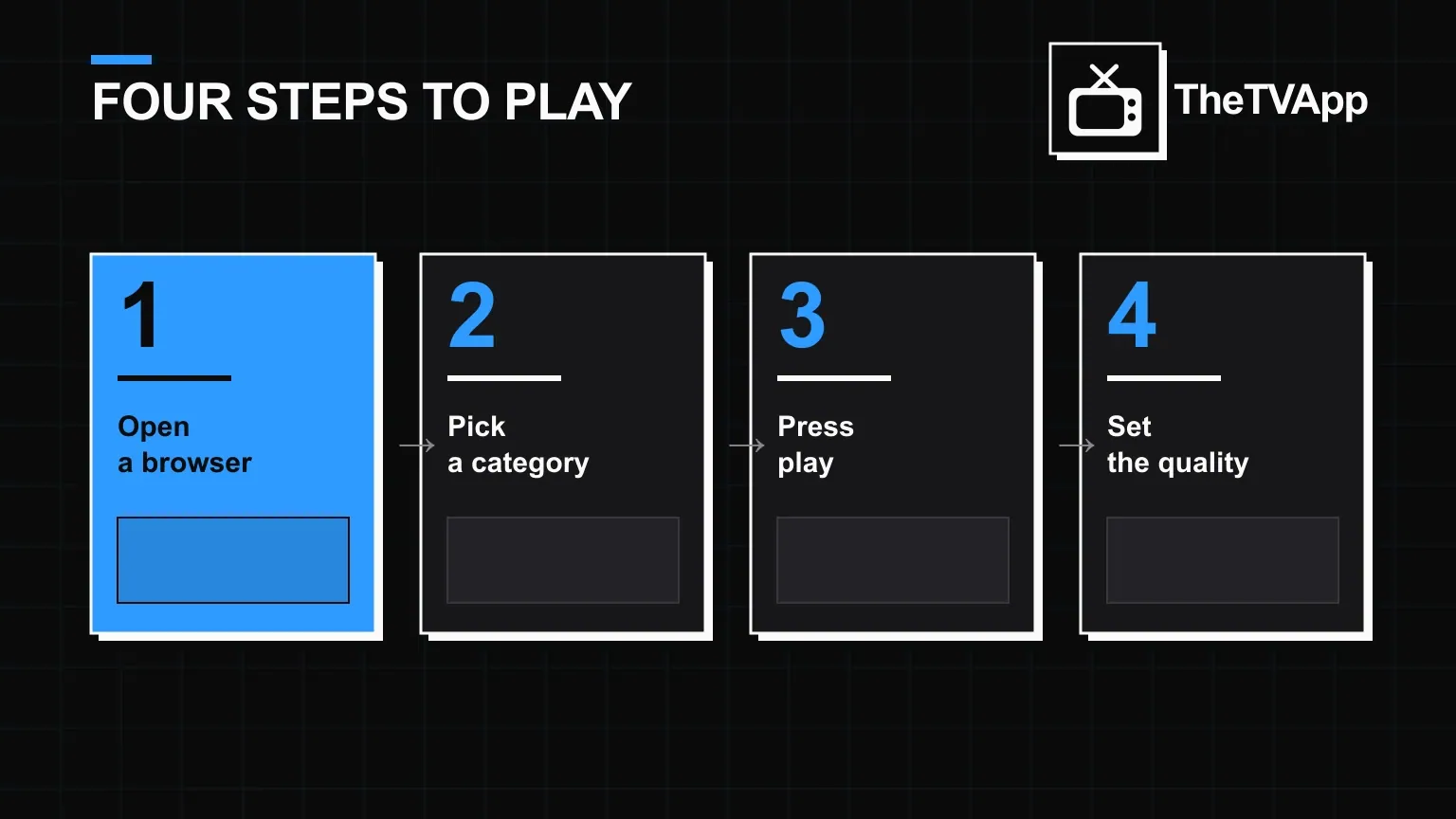
There is good news before anything else: on most devices, there is nothing to download. The TV App is a browser-based platform, so "downloading" it usually means nothing more than typing the address into a browser you already have. The Android APK is the one real download, and it is optional.
- No download needed on desktop, phone, tablet or most Smart TVs
- The Android APK is optional, only for a home-screen icon
- Firestick needs a browser installed first (Silk Browser or Downloader)
- Only download the APK from the official link
Desktop and laptop
- Open Chrome, Edge, Firefox or Safari
- Go to the site directly — no download link needed
- Pick a category or search for a specific channel or title
- Press play; the stream opens in the browser's own video player
Android: APK download for a home-screen icon
The browser route works fine on Android too, but if you want an app icon instead, the APK gives you one. Because it is distributed outside the Play Store, Android's installer will ask for a one-time permission before it lets the file run.
- Download the APK from this site's official download link
- Open Settings → Apps → the browser you used → allow "Install unknown apps"
- Open the downloaded file and tap Install
- Launch the app icon once installation finishes
Fire TV and Firestick
Fire TV devices need a browser installed first, since Amazon's launcher does not ship with one by default. Silk Browser or Downloader (both free on the Amazon App Store) both work.
- From the Fire TV home screen, search the Amazon App Store for "Silk Browser" or "Downloader" and install it
- Open the browser and type the site's address directly
- Navigate the categories with the Fire TV remote the same way you would scroll a page
- Select a title to start playback
Smart TVs (Samsung, LG and others)
Some Smart TVs ship a built-in browser under Apps or Internet; if yours does, open it and go to the site the same way you would on a laptop. If your TV has no usable browser, casting from a phone is the simpler route: open the site on your phone, tap the cast icon in your browser, and select the TV.
Not sure what you are actually getting first? Start with the overview →
If playback stops working after install, see the troubleshooting guide →
No login screen after install? That's expected — here's why →
Grab the APK and device-by-device links from the dedicated download page →
If nothing installs or opens
Most install failures trace back to one of three things: an outdated browser, a device permission blocking the APK, or a weak connection timing out the page. Update the browser first, double-check the "unknown apps" permission on Android, and try a different network before assuming the file itself is broken.
Frequently Asked Questions
Do I need to download anything to use the TV app?
No. It runs in a browser on any device. The APK download exists only for Android users who want a home-screen icon instead of opening a browser tab.
How do I get the TV app on a Smart TV?
Open your TV's built-in browser if it has one and visit the site directly, or cast it from a phone or laptop using Chromecast or AirPlay — no separate TV app store listing is required.
How do I download the TV app on Firestick?
Fire TV devices use Silk Browser or a downloadable browser from the Amazon App Store. Install a browser first, then open the site the same way you would on a phone.
Why does Android show a warning when I install the APK?
Android warns on any app installed outside the Play Store by default. Enable "install unknown apps" for the browser you downloaded it with, only after confirming the file came from the real source.
Is the download free?
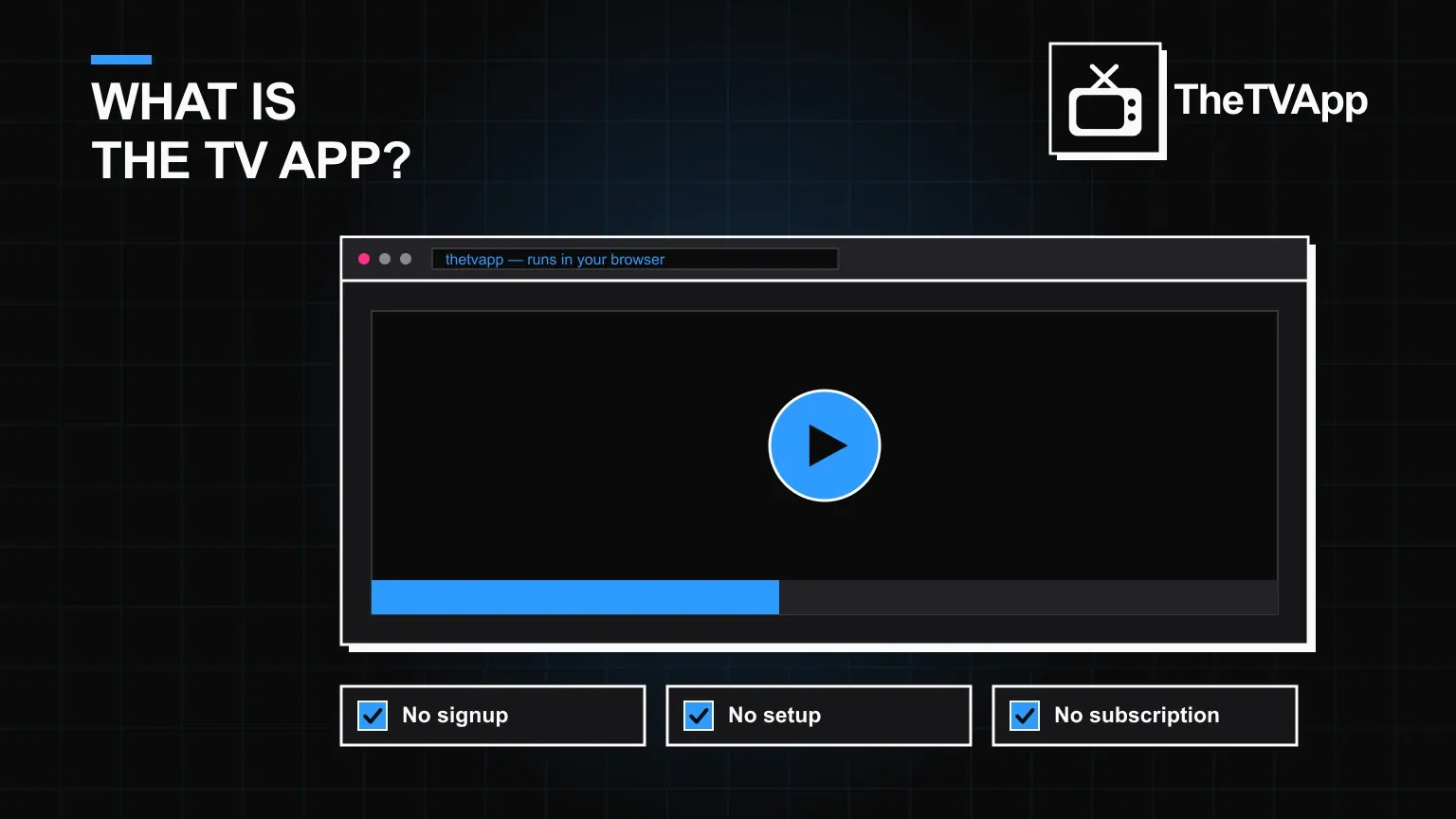
Yes. There is no purchase step, no account and no card details required at any point in the download or install process.
Related reading
- Guides
 Do You Need an Account for The TV App?
Guides · 2 min read
Do You Need an Account for The TV App?
- GuidesWhat Is The TV App? A Plain-English Guide
Guides · 3 min read
What Is The TV App? A Plain-English Guide
- Alternatives
 7 Best The TV App Alternatives Worth Knowing in 2026
Alternatives · 2 min read
7 Best The TV App Alternatives Worth Knowing in 2026