
What Is The TV App? A Plain-English Guide
- Author
- Editorial Team
- Published
- Reading time
- 3 min read
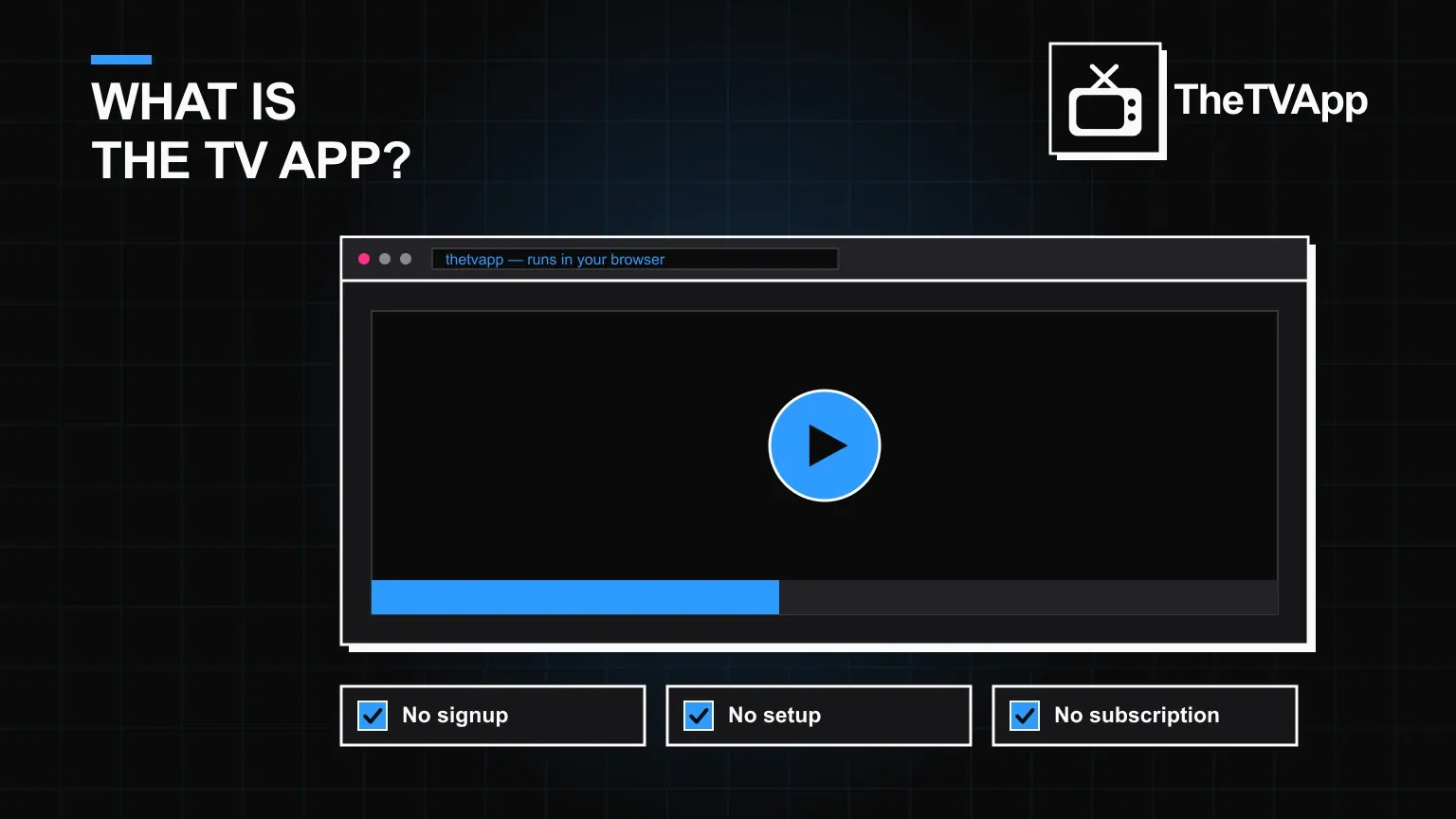
Search "what is the tv app" and you will find a lot of confident-sounding answers that do not actually explain anything. Here is the short version: The TV App is a browser-based streaming platform that carries live TV channels, sports, movies, TV shows, news and kids' programming in one place, with no subscription fee and no account registration required to start watching.
- No subscription fee and no account required
- Live TV, sports, movies, shows, news and kids' content in one place
- Works in any modern browser; the Android APK is optional
- Categories and search make finding content fast
What it actually streams
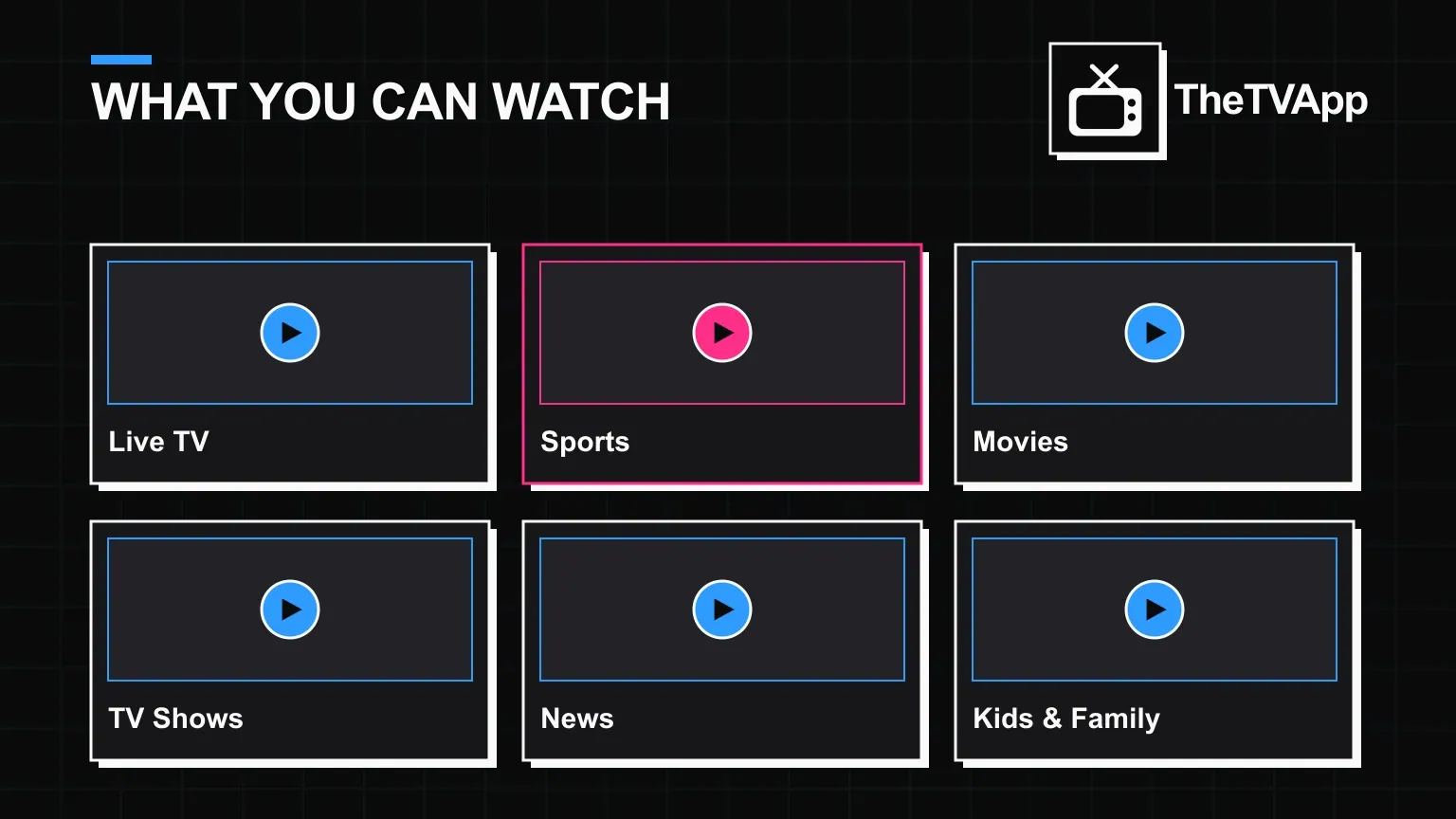
The library is split into clear categories rather than one giant unsorted list. Live TV covers news, sports and entertainment broadcasts as they air. Sports carries live matches and highlights across football, cricket, basketball, tennis and more. Movies and TV Shows span new releases and older titles across genres, often with subtitles and dubbed audio. News and Kids & Family round out the rest.
- Live TV channels, including news and entertainment broadcasts
- Live sports: football, cricket, basketball, tennis, boxing, Formula 1 and more
- Movies and TV shows across Hollywood, Bollywood and international titles
- News channels covering world, business and regional coverage
- Kids and family programming, cartoons and educational shows
How The TV App works, step by step
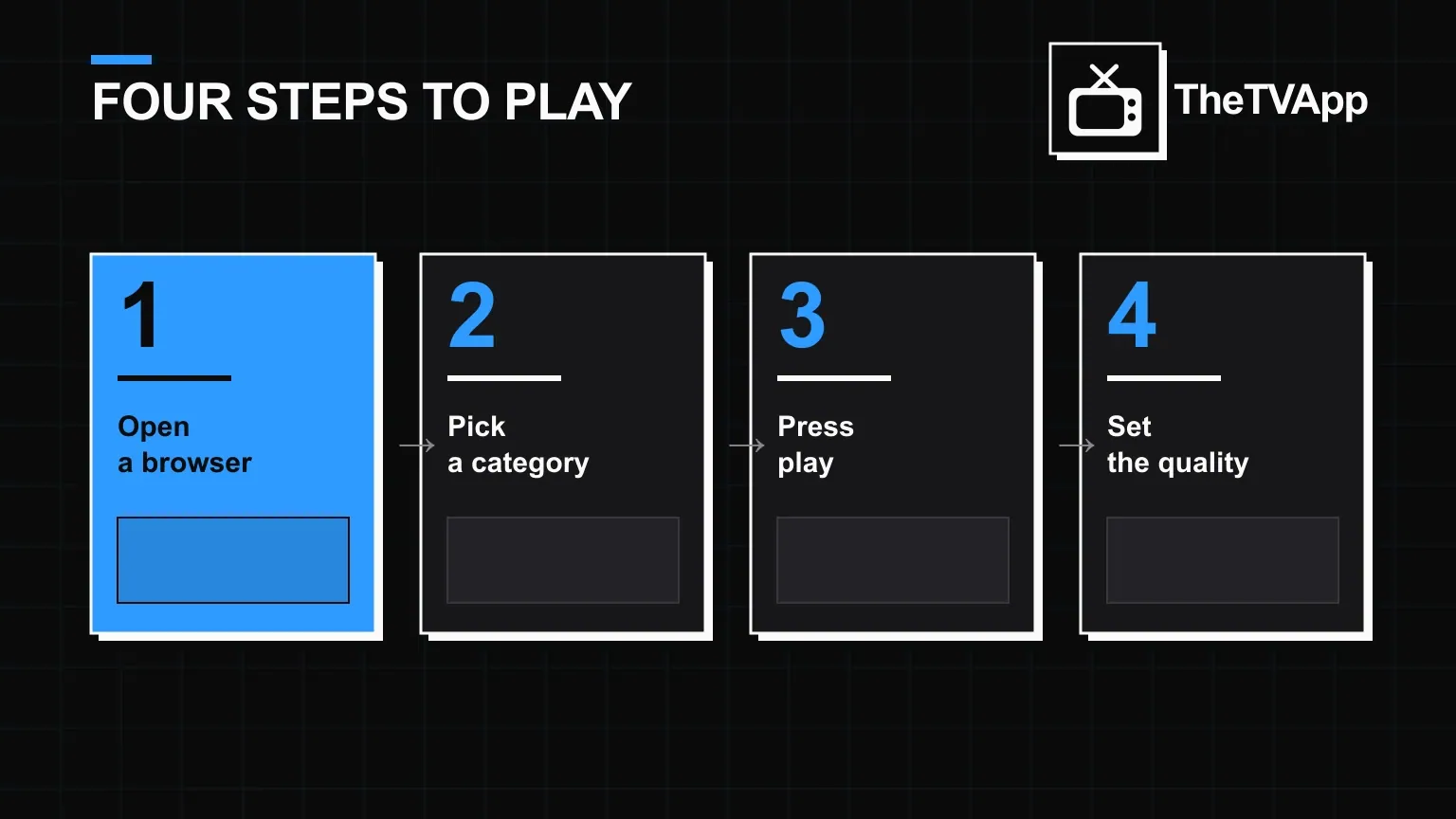
There is no setup wizard and nothing to configure. Open a browser, go to the site, pick a category, and press play. The interface is built around search and categories rather than a login wall, so the first thing you see is content, not a sign-up form.
- Open any modern browser — Chrome, Safari, Firefox or Edge
- Browse a category or use the search bar for a specific channel or title
- Tap a title; playback starts directly in the browser's video player
- Adjust quality, volume or full-screen with the on-player controls
Why people compare it to cable, and where that comparison breaks down
The pitch sounds like cable — live channels, sports, news — but the mechanics are different. Cable is a paid subscription with a set-top box; The TV App is a free, browser-based aggregator with no hardware and no bill. That also means it depends on an active internet connection and on individual stream links staying up, which is the trade-off for not paying anything.
| The TV App | Cable TV | |
|---|---|---|
| Monthly cost | $0 | Subscription fee |
| Account needed | No | Yes |
| Hardware | Any device with a browser | Set-top box |
| Channel line-up | Live TV, sports, news, kids | Fixed bundle by package |
| On-demand movies/shows | Yes | Depends on package |
Who it is actually built for
If you want live sports and news without a cable bill, or a backup source for movies and shows that does not ask for a card number first, The TV App fits that gap. It is not trying to replace a premium on-demand library like Netflix — it is closer to a free, ad-supported alternative to cable.
See the step-by-step download guide for Android, Firestick and Smart TV →
Read the full safety and legality breakdown →
See the full channel list, sport by sport and category by category →
Check whether you actually need an account to use it →
The short answer
The TV App is a free, no-login, browser-based streaming hub for live TV, sports, movies, shows and news. It runs on almost any device with a browser, has an optional Android app for anyone who wants an icon on their home screen, and asks for nothing before you press play.
Frequently Asked Questions
What is the TV app in one sentence?
The TV App is a browser-based streaming hub for live TV channels, sports, movies, shows and news, with no subscription and no account needed to start watching.
Is the TV app an actual application I install?
Not necessarily. It runs in any modern browser on its own, so there is nothing to install. An Android APK exists for anyone who wants a home-screen icon, but it is optional.
How does the TV app work?
It organises channels and on-demand titles into categories — Live TV, Sports, Movies, Shows, News, Kids — and streams whatever you tap directly in your browser's video player.
What makes the TV app different from a normal streaming service?
No login, no payment details and no monthly bill. Most paid services ask for all three before you see a single title; this does not.
Does the TV app work on mobile and Smart TVs?
Yes. Because it runs in a browser, it works on phones, tablets, laptops and any Smart TV with a browser, plus casting from a phone to a bigger screen.
Related reading
- GuidesDo You Need an Account for The TV App?
Guides · 2 min read
Do You Need an Account for The TV App?
- Guides
 How to Download The TV App on Android, Firestick & Smart TV
Guides · 3 min read
How to Download The TV App on Android, Firestick & Smart TV
- Alternatives
 7 Best The TV App Alternatives Worth Knowing in 2026
Alternatives · 2 min read
7 Best The TV App Alternatives Worth Knowing in 2026