
Is The TV App Safe and Legal to Use?
- Author
- Editorial Team
- Published
- Reading time
- 2 min read
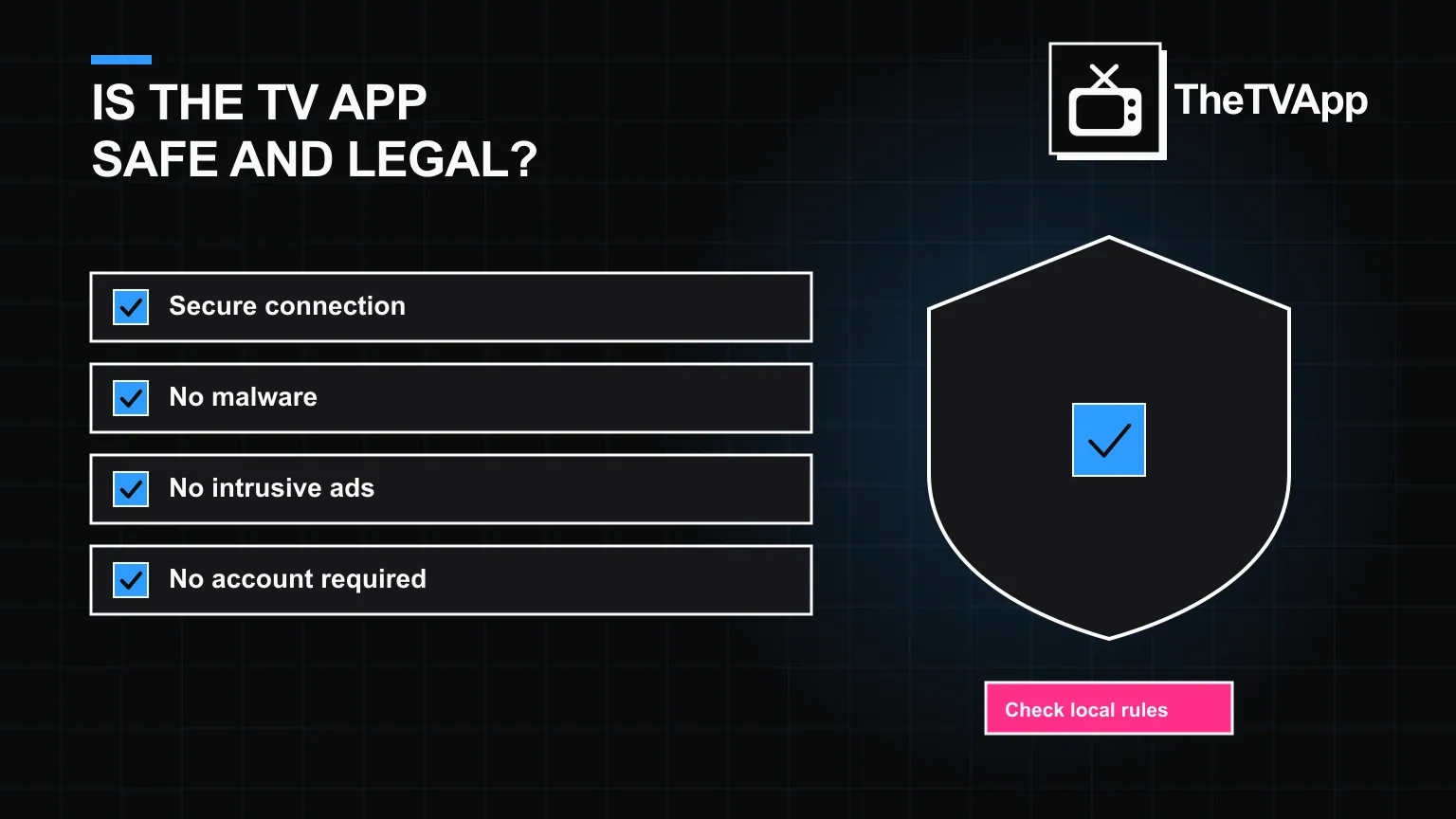
"Is it safe" and "is it legal" get asked together constantly, but they are two different questions with two different answers. Safety is mostly about where you open the platform from and what you install. Legality is mostly about how the platform actually works — whether it hosts content itself or points to it elsewhere.
- Legality follows the linked content, not the platform itself
- No account means no stored personal data to protect
- Cloned sites and fake APKs are the real safety risk
- Always download from the official link only
How The TV App actually works, and why that matters legally
The TV App does not host its own video files. It aggregates and links out to a wide range of existing streams and sources, the way a search engine or a bookmark folder does. That distinction is why it is broadly usable across most regions: responsibility for licensing sits with the content and the party distributing it, not with a page that links to it.
What actually makes a stream unsafe
Almost every real safety incident around apps like this traces back to one of a few sources, and none of them is the official platform working as intended.
- Cloned or lookalike websites that mimic the real one to serve malware
- Fake APK files re-uploaded on unrelated forums or file-sharing sites
- Aggressive pop-up ads on third-party mirrors, not the genuine source
- Browser extensions installed "to improve streaming" that are actually adware
A short safety checklist
- Type or bookmark the real address directly instead of searching and clicking the first result
- Download the Android APK only from this site's own download link
- Keep your browser and device OS updated
- Use a reputable ad blocker to cut down on pop-ups and redirect attempts
- Avoid entering any payment information anywhere in the process — there is nothing to pay for
Privacy: what is and is not collected
Because there is no account or login, there is no personal profile tied to an email or password sitting in a database. Standard, non-identifying analytics that most websites use still apply, the same way they would on any other site you visit.
Check the full privacy policy for the specifics →
Read the disclaimer covering third-party links →
Check whether a specific stream is restricted in your region →
No account means no stored login to protect — see how that works →
The bottom line
Used from the genuine site, The TV App is legal to use in most regions and no riskier than any other ad-supported streaming aggregator. The precautions that matter are about the source you download or browse from, not the platform itself.
Frequently Asked Questions
Is The TV App safe to use?
Safety depends heavily on where you open it from. Using a trusted, direct source avoids the malware and intrusive-ad problems that show up on cloned or lookalike sites.
Is The TV App legal?
It is legal to use across most regions, because it works by linking to content rather than hosting it directly — legality follows the underlying content and the laws where you live.
Does The TV App contain a virus?
The platform itself does not. The real risk sits with third-party APK mirrors and fake copies, which is why downloading only from the official link matters.
Does it collect personal data?
There is no account registration, so there is no profile of personal data tied to a login. Standard browser-level analytics may still apply, as on any website.
What is the single biggest safety risk?
Not the platform itself, but ending up on a fake copy through a bad search result or a shortened link. Always navigate to the real site directly.
Related reading
- Pricing & Safety
 Is The TV App Available in My Country?
Pricing & Safety · 2 min read
Is The TV App Available in My Country?
- Pricing & SafetyIs The TV App Free? Here Is Exactly What That Covers
Pricing & Safety · 2 min read
Is The TV App Free? Here Is Exactly What That Covers
- Alternatives
 7 Best The TV App Alternatives Worth Knowing in 2026
Alternatives · 2 min read
7 Best The TV App Alternatives Worth Knowing in 2026