
Get Started
Download The TV App
Android APK, Firestick, Smart TV or straight in a browser — free, with no account and no subscription.
Android APK · 19.1 MB · Free
Quick Answer
How do I download The TV App?
- Desktop, phone and most Smart TVs: just open a browser
- Android APK: optional, only for a home-screen icon
- Firestick: install a browser first, then open the site
- Always download from this page's official link only
Android
Install the APK on Android
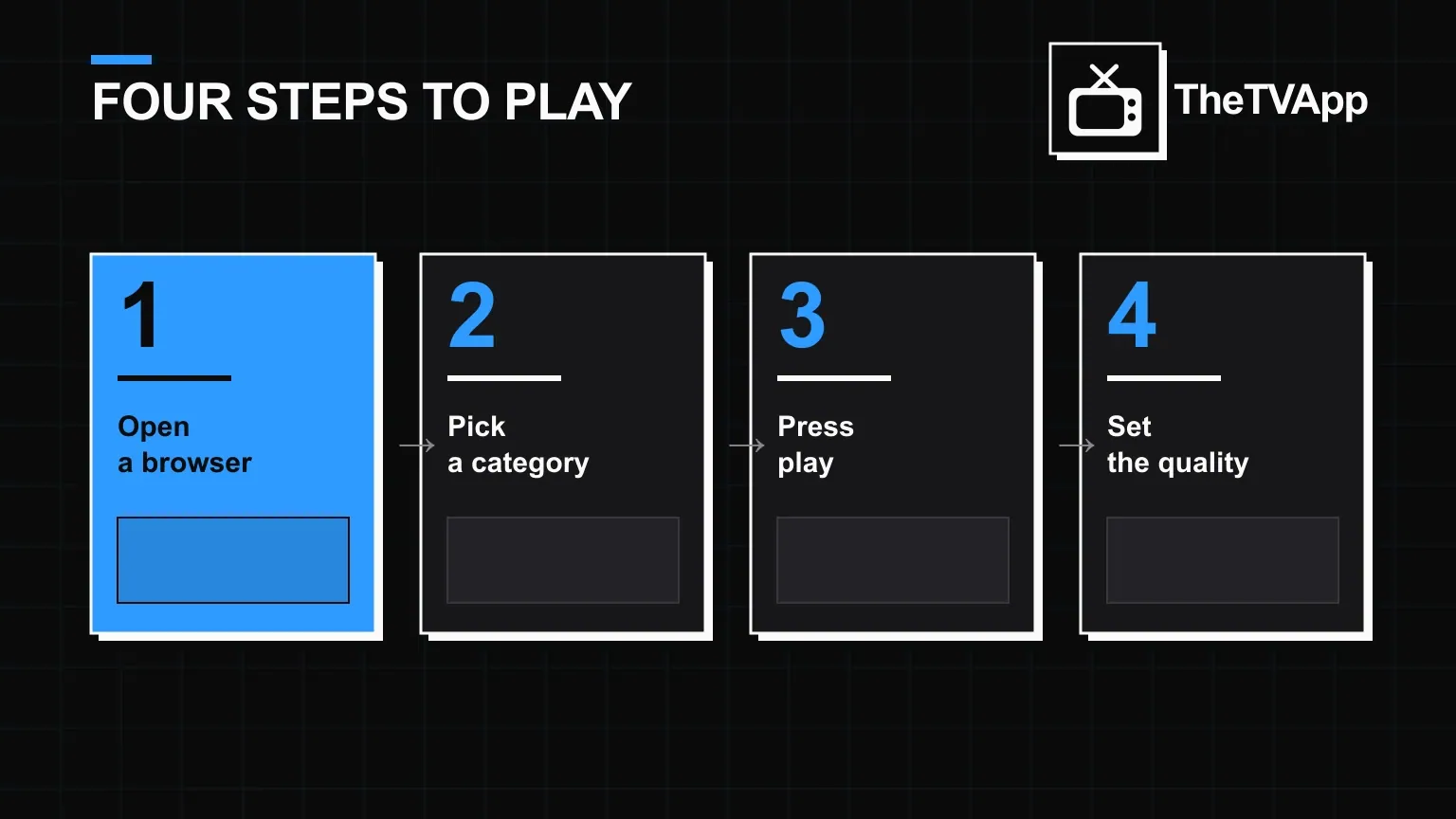
Four steps from download to playback.
Other devices
Firestick, Smart TV and desktop
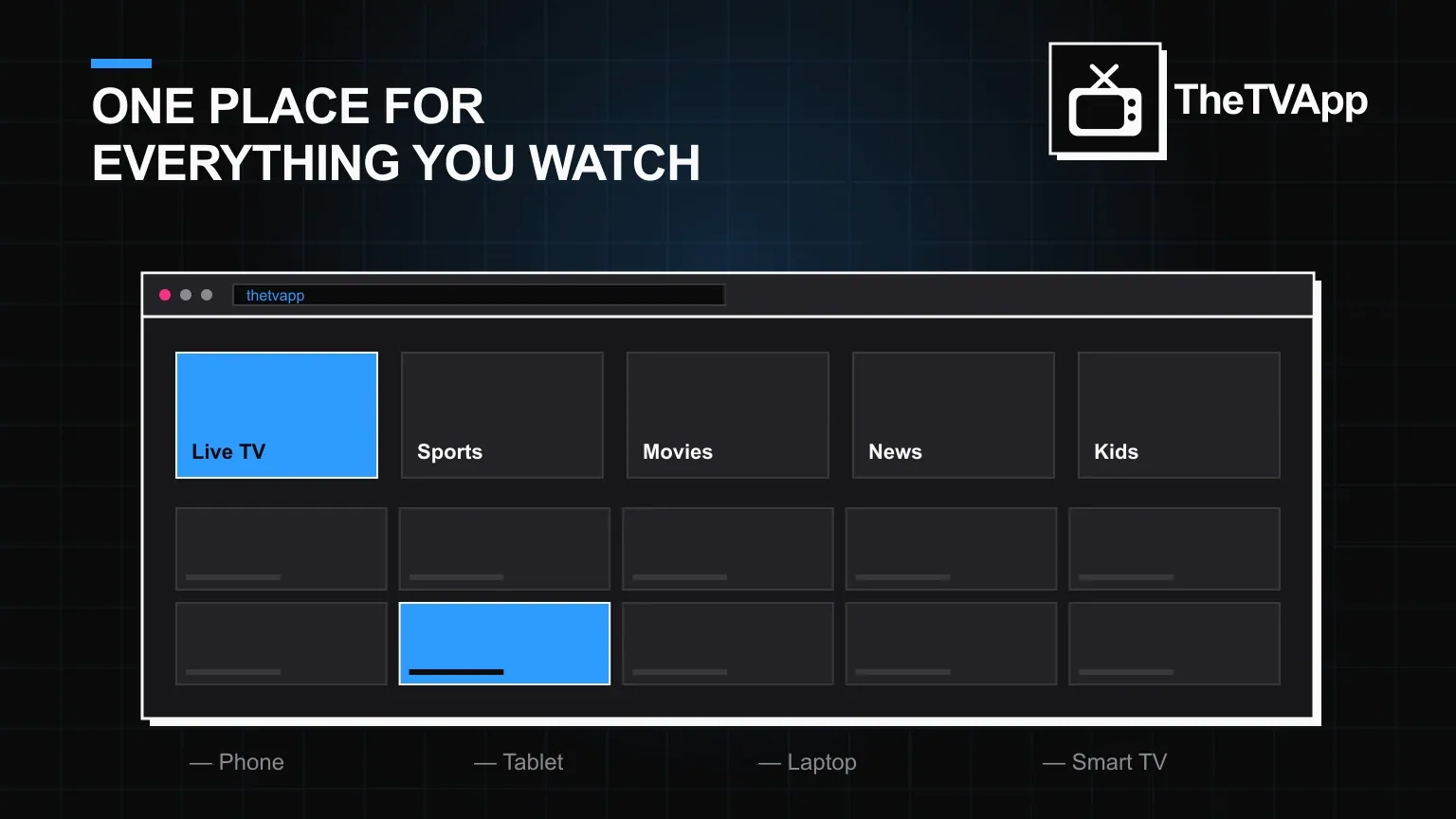
Most devices need no download at all. On a laptop, phone or tablet, open any browser and go straight to the site — there is nothing to install unless you want the Android app icon.
Fire TV and Firestick need a browser installed first (Silk Browser or Downloader, both free on the Amazon App Store), then the same browser-based flow. Smart TVs with a built-in browser work the same way; without one, cast from a phone instead.
Before you install
Four quick checks that avoid almost every reported problem.
- Download only from this page's official link, never a mirror or shortened URL
- Update your browser first if it has been a while
- Enable "install unknown apps" only for the browser you actually used to download
- Skip any site asking for payment details — there is nothing to pay for
Compatibility
Where it runs
| Device | How to open it |
|---|---|
| Android phone or tablet | Browser, or install the APK for a home-screen icon |
| iPhone or iPad | Browser — no APK on iOS |
| Windows or Mac | Any desktop browser |
| Fire TV / Firestick | Silk Browser or Downloader, then the site |
| Smart TV | Built-in browser, or cast from a phone |
FAQ
Download questions
Is the APK download free?
Yes. There is no purchase step, no card details and no hidden fee anywhere in the download or install process.
Is the APK safe to install?
The file from this page's own link is. The risk sits with copies re-uploaded elsewhere — always download from the official link, not a forum post or shortened URL.
Why does Android show a warning before installing?
Android warns on any app installed outside the Play Store by default. Enabling "install unknown apps" for your browser is a one-time step, not a recurring prompt.
Do I need the APK at all, or can I just use a browser?
A browser is enough on almost every device. The APK is only useful if you specifically want a home-screen icon on Android.
Does downloading require an account?
No. Nothing about downloading, installing or using the app requires registration of any kind.
Can I install it on a Smart TV directly?
If your TV has a built-in browser, yes — open it and go to the site. Otherwise, cast from a phone or laptop instead.
Ready to watch?
No subscription and no signup. Download the APK or open it straight in your browser.